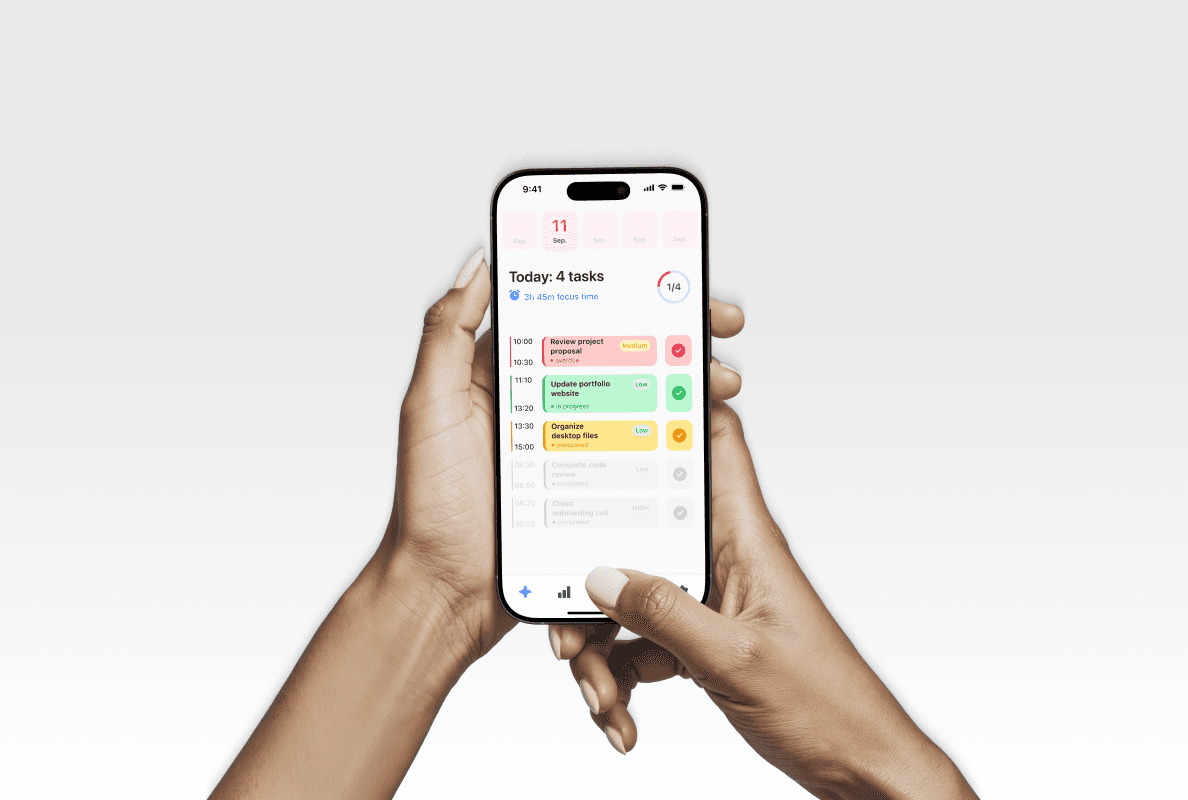
Claro is a personal mobile planner concept designed to help users organize tasks, manage priorities, and better understand their daily productivity. The project was created as a UI/UX case study with a strong focus on structure, clarity, and scalable interface design.
Role:
UI/UX Designer
Industry:
Productivity
Type:
IOS App concept
Challenges
Simplicity & Clarity: Designing a task management interface that feels calm and easy to use, avoiding visual overload while still supporting everyday planning needs.
Information Hierarchy: Clearly communicating task priorities, statuses, and progress so users can quickly understand what requires attention at any given moment.
Consistency & Scalability: Maintaining visual and functional consistency across multiple screens and states by building the interface around reusable and scalable UI components.
System Thinking: Structuring the design in a way that allows easy iteration, updates, and future feature expansion without breaking the overall interface logic.
My Approach
Discovery Phase
Problem Definition: Defined the core purpose of the app — helping users manage daily tasks, priorities, and time without unnecessary complexity or cognitive overload.
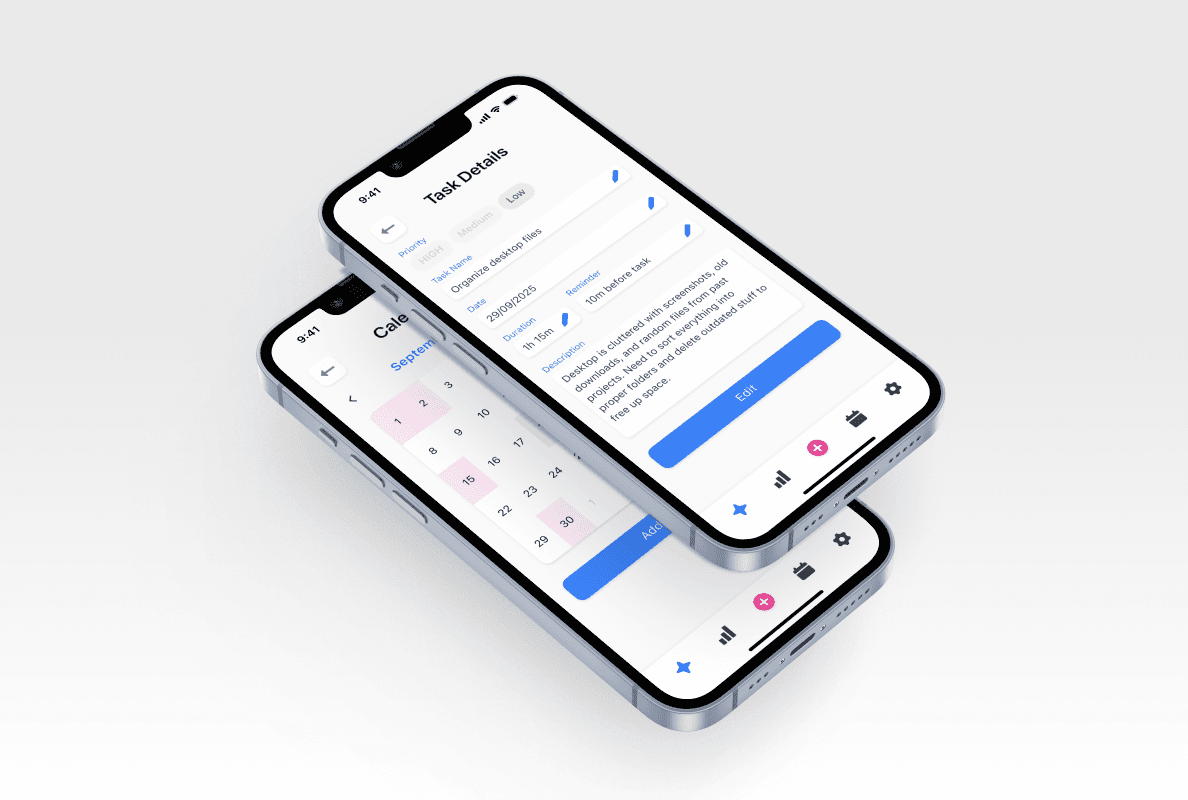
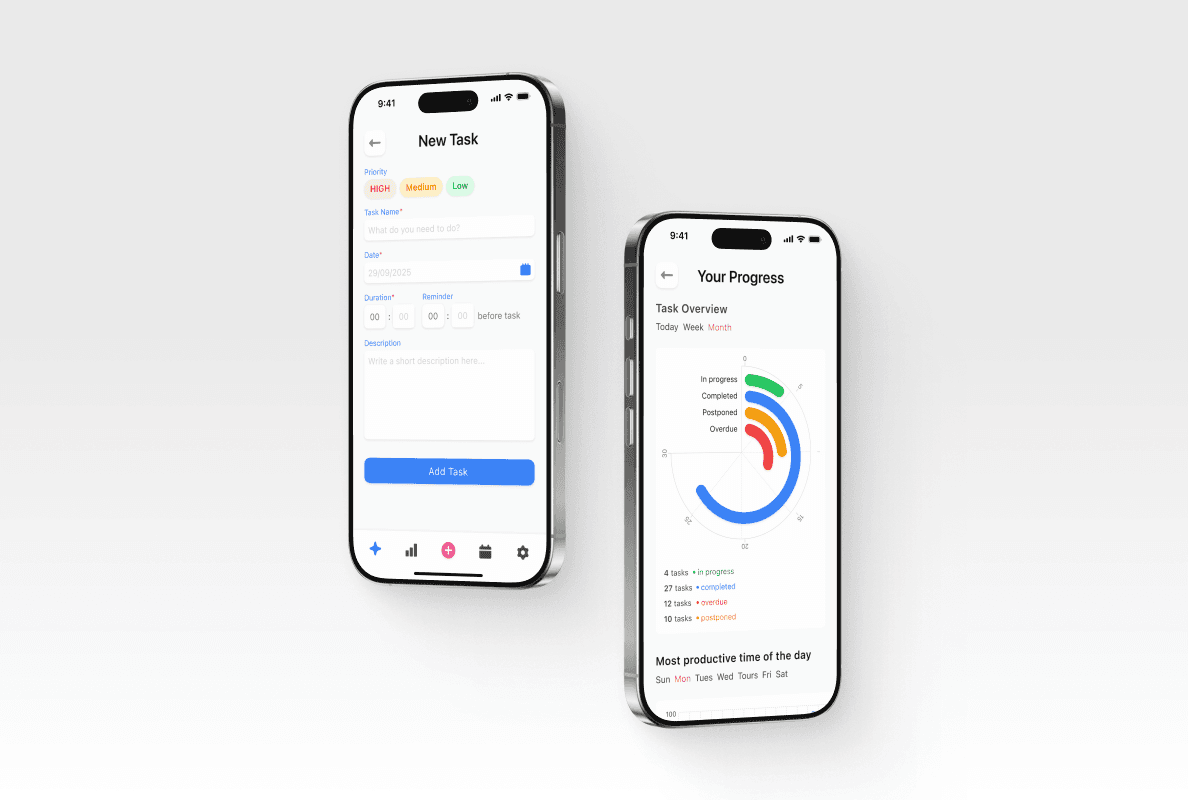
Use Case Analysis: Identified key user scenarios such as task creation, priority setting, calendar-based planning, and progress tracking to shape the overall structure of the app.
Information Architecture: Designed a clear and logical information structure that minimizes friction and reduces the number of steps required to complete essential actions.
Design and System Development
UI/UX Design: Designed a clean and intuitive mobile interface focused on clarity, hierarchy, and ease of use. Visual decisions were made to ensure tasks, priorities, and statuses are easily scannable at a glance.
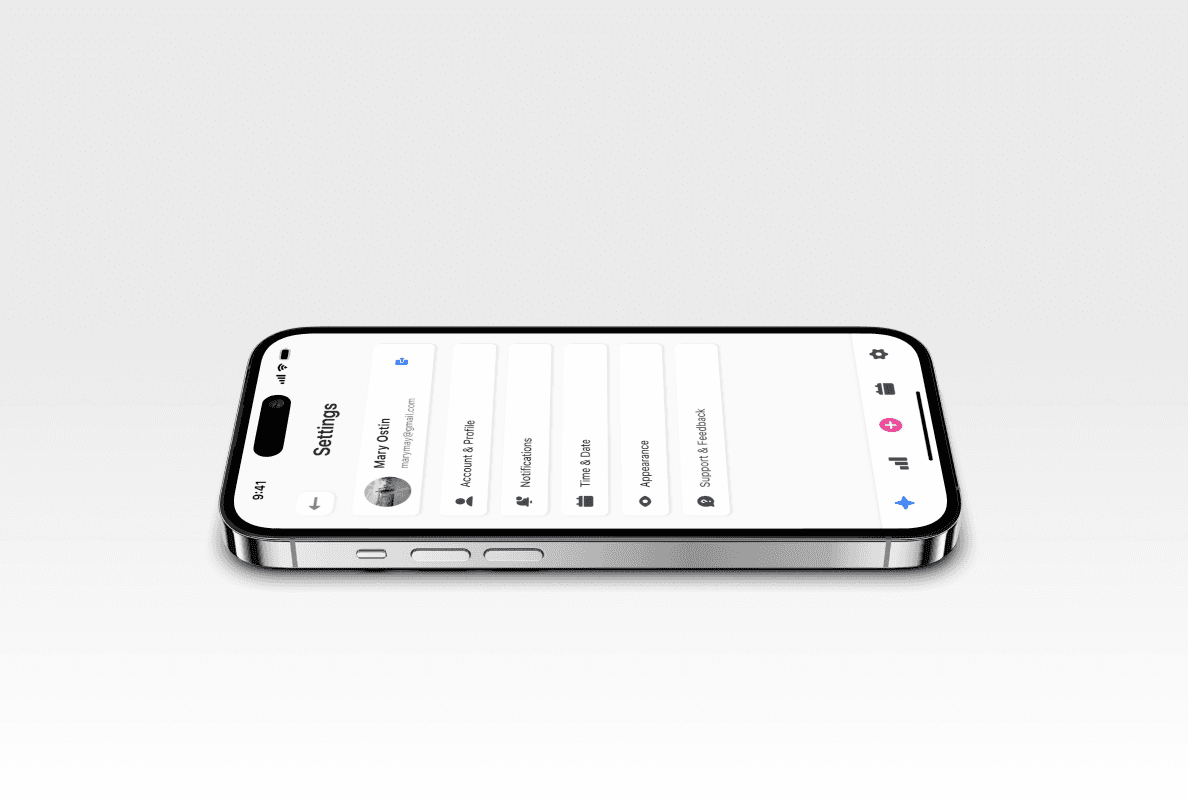
Component-Based Design: Built the interface using a component-based approach in Figma. Core UI elements such as buttons, input fields, task cards, priority labels, charts, and settings controls were created as reusable components and variants to ensure consistency and scalability.
Design System Thinking: Established consistent spacing, typography, and color usage across all screens to support visual harmony and predictable user interactions.
Testing and Iteration
Usability Review: Reviewed user flows and interactions to identify potential friction points and improve overall usability.
Iteration & Refinement: Refined layouts, component behavior, and visual hierarchy to enhance clarity, responsiveness, and interaction quality across different screens and states.
Results
The final outcome is a fully interactive mobile app prototype that represents a complete and cohesive task management experience — from task creation and scheduling to progress tracking and analytics.
This project highlights my ability to design structured, scalable interfaces using component-based systems in Figma, ensuring consistency, flexibility, and ease of future expansion while maintaining a clear and intuitive user experience.
Future Plans
In the future, the project could be expanded with additional analytics views, deeper customization options, and extended task management features. Thanks to the existing component system, these updates can be implemented without breaking visual consistency.
Conclusion
Claro demonstrates my approach to UI/UX design focused on clarity, usability, and system thinking. Through this project, I showcased my ability to design a structured mobile interface while effectively using reusable components in Figma to create a scalable and maintainable design system.